Adds live stop drawer
The problem
- Clicking a stop's name opened the customer page, not the stop.
- The stop page only filled in after close-out.
What we considered
-
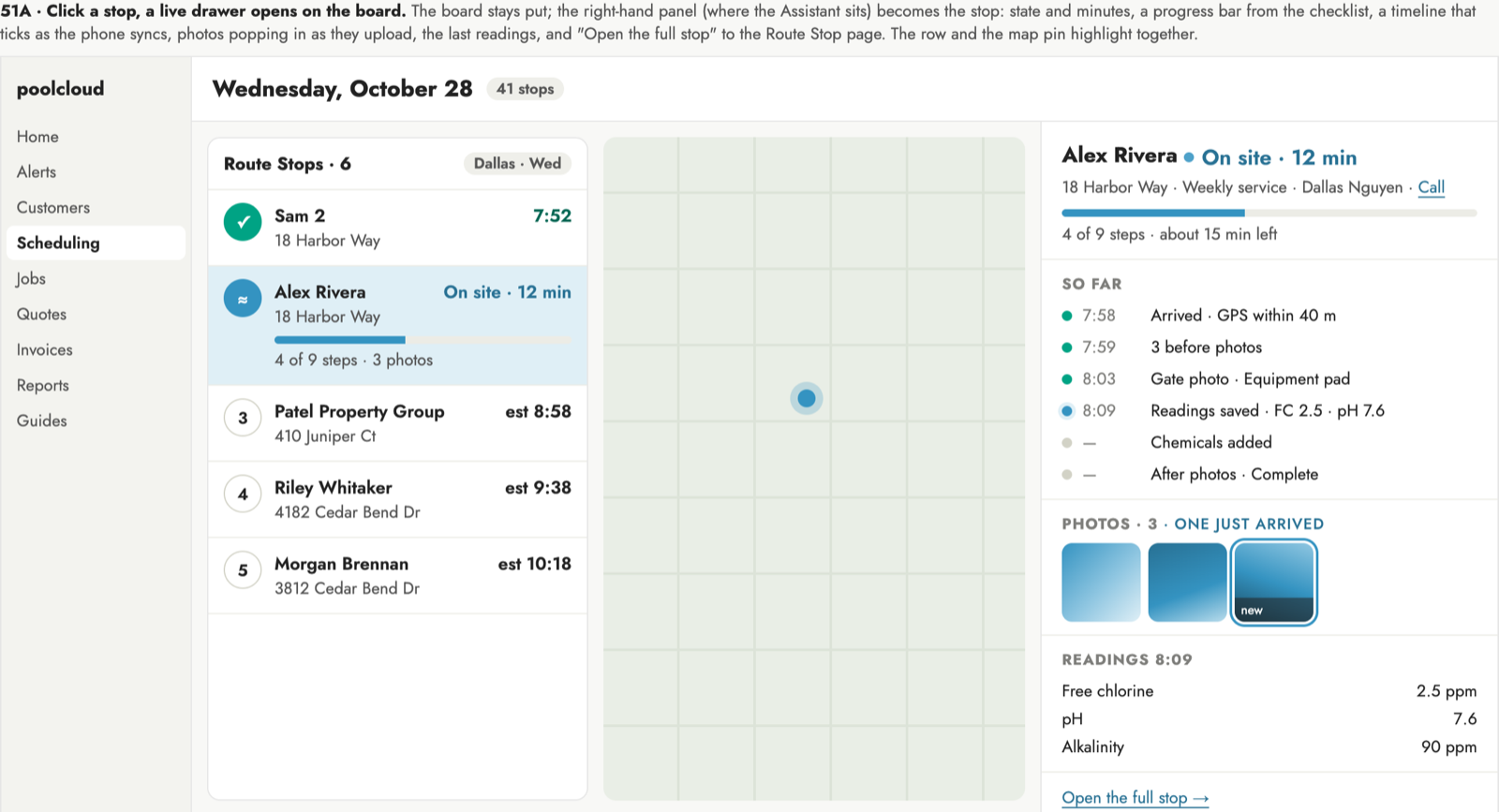 A
Live drawer on board
- Stays on the board; shares the AI assistant's panel.
-
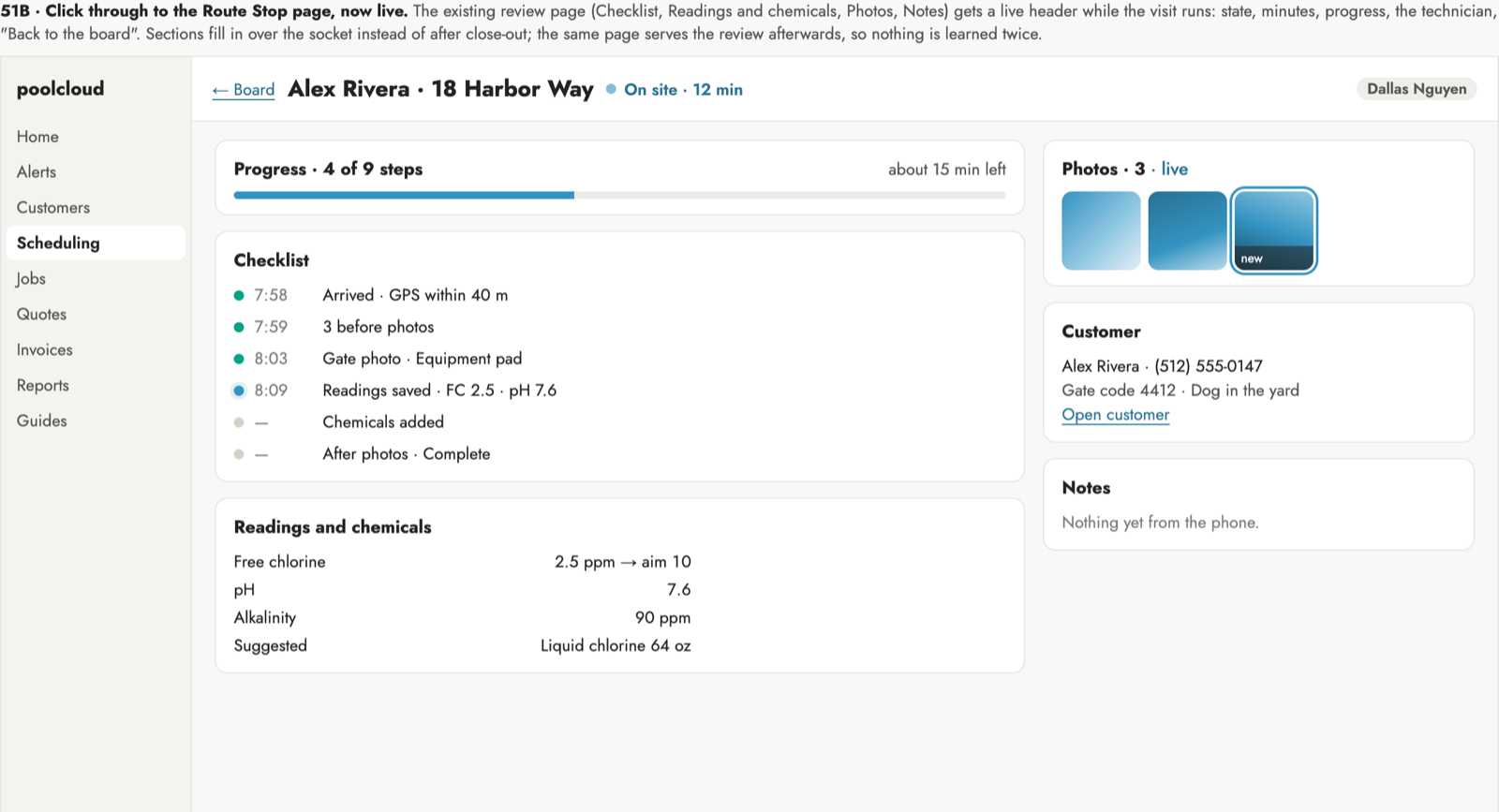 B
Stop page goes live
- Full detail; leaves the board.
-
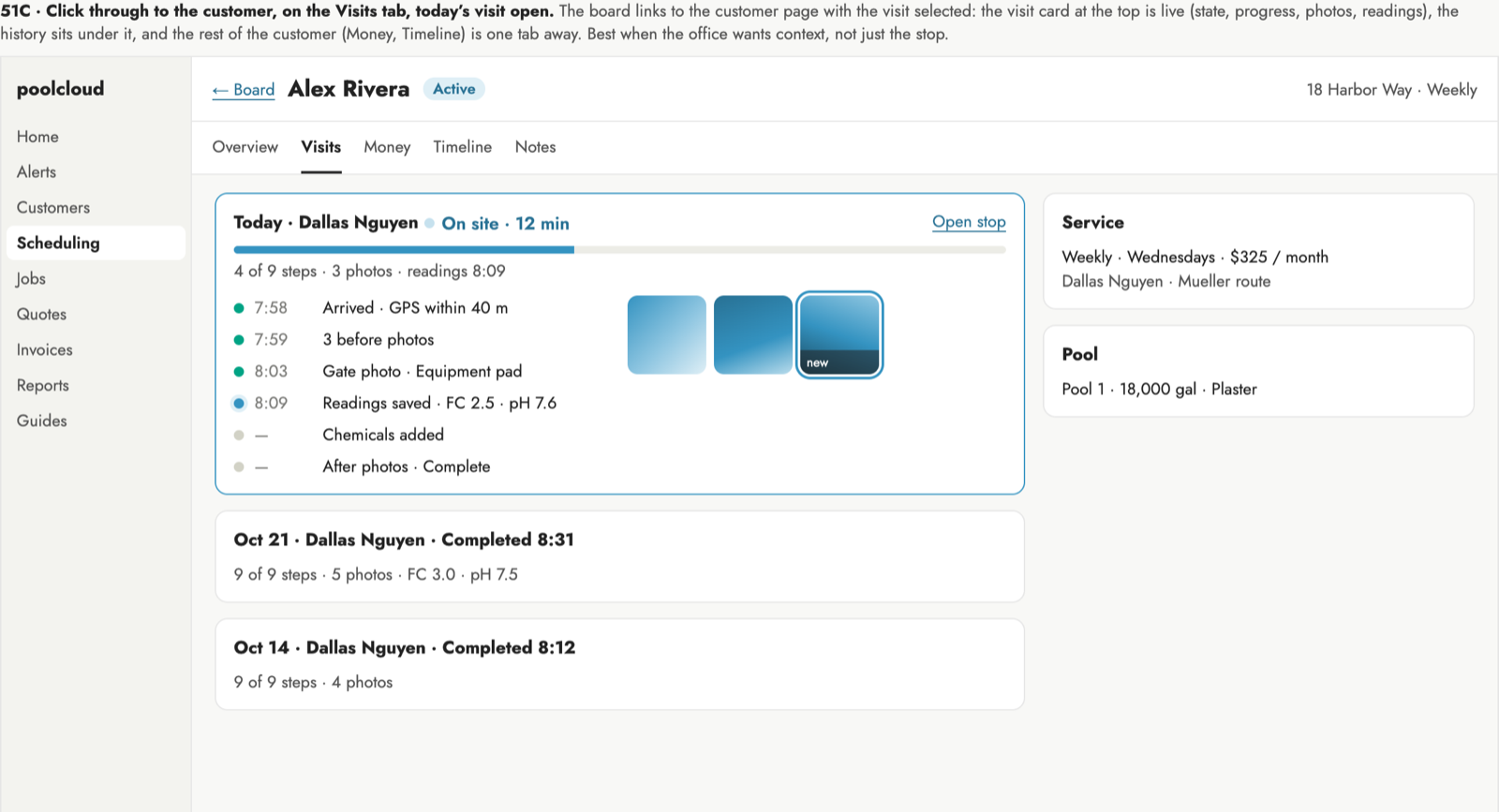 C
Today on Visits tab
- Customer context; another page away from the board.
-
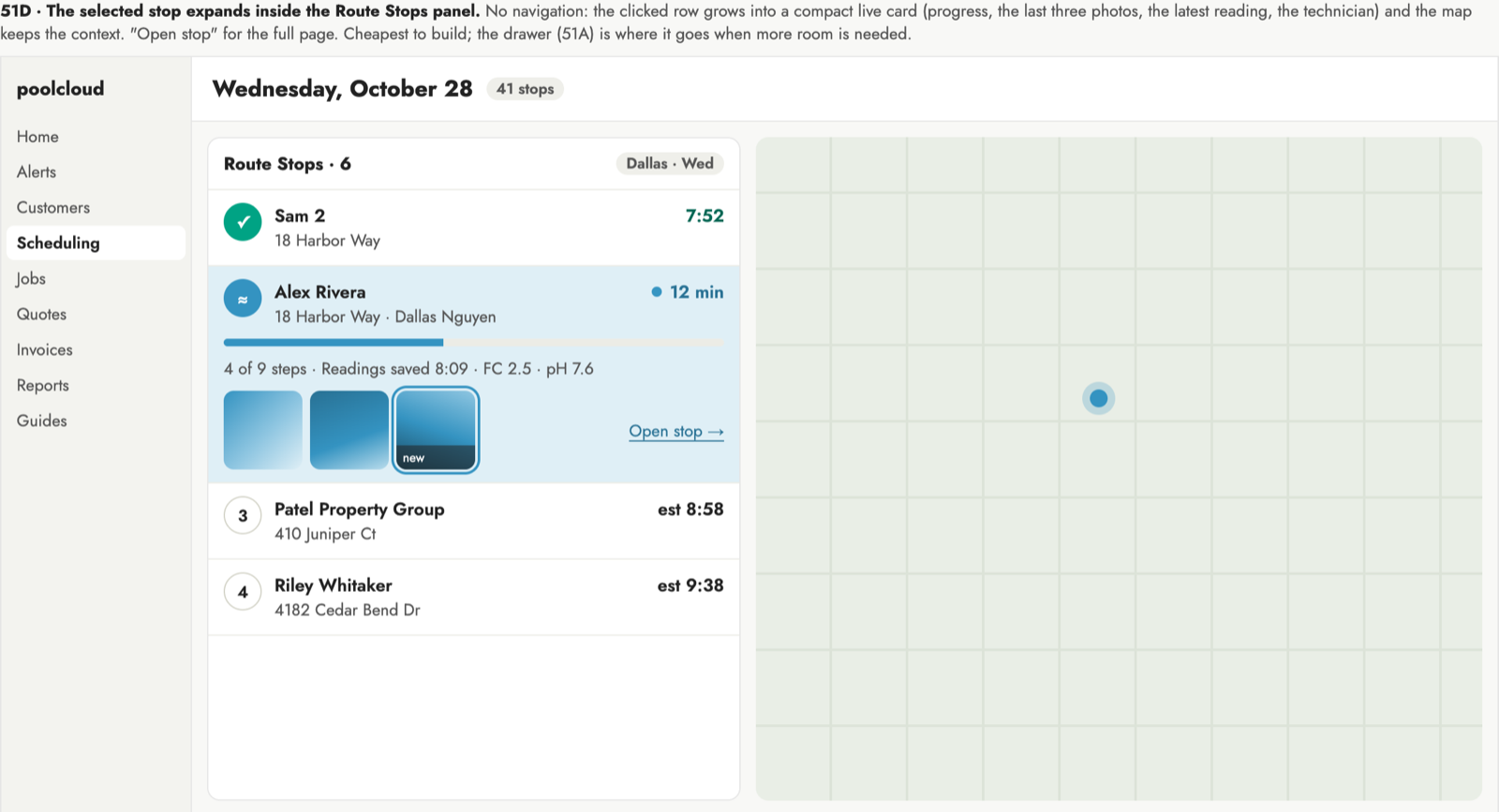 D
Stop expands in place
- Cheapest; pushes the list down.
What shipped
- Clicking a stop opens it live in the right-hand panel.
- Shows status, steps done, time left, timeline, photos and readings.
- Refreshes every 10 seconds while the technician is on site.
- Close with × or Esc; a link to the stop opens the same drawer.
The office can watch a stop as it happens without leaving the board. Photos appear as they upload, and Open stop goes to the full page.